TODAY
Traditional payroll process
Every modification goes back to the vendor.
- Raise a support ticket
- Wait for a reply
- Approve another quote
- Wait for the release
Payroll for the GCC and Egypt
Manage multiple countries, branches and payroll rules from one system — without separate platforms, spreadsheets or support tickets.
SEVEN COUNTRIES
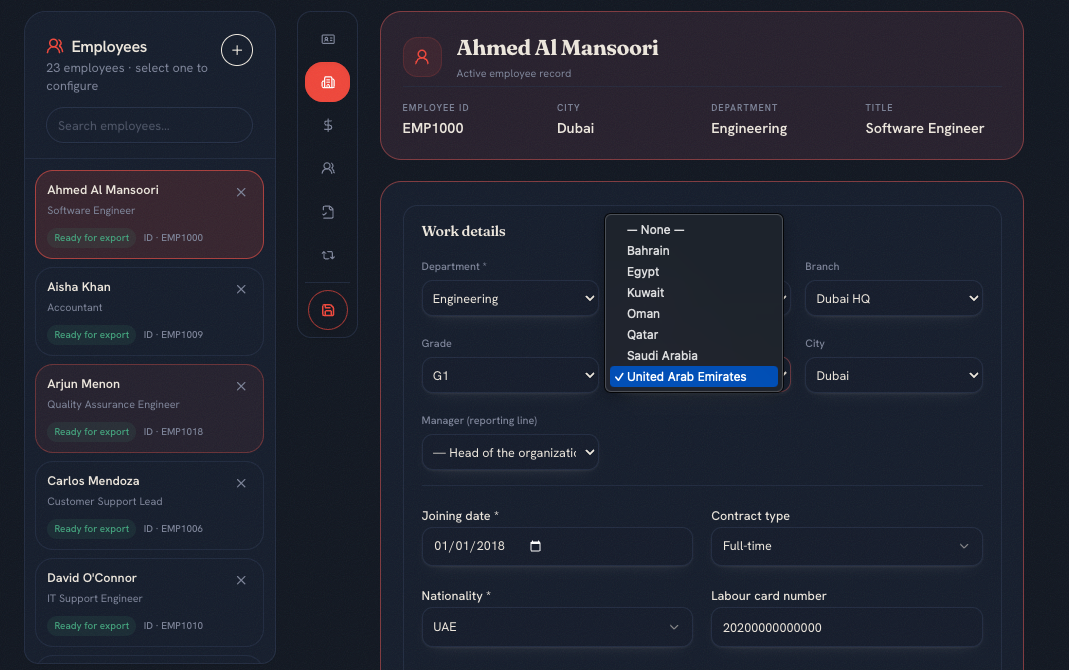
Country-specific payroll calculations for the GCC and Egypt — so your team can review outputs before finalizing.
 UAE
UAE KSA
KSA Kuwait
 Qatar
Qatar Bahrain
 Oman
Oman Egypt
EgyptRates and thresholds follow each authority's published schedule.
ONE OPERATING VIEW
Run payroll for every branch from one system while keeping each country's rules, calculations and statutory requirements in place.
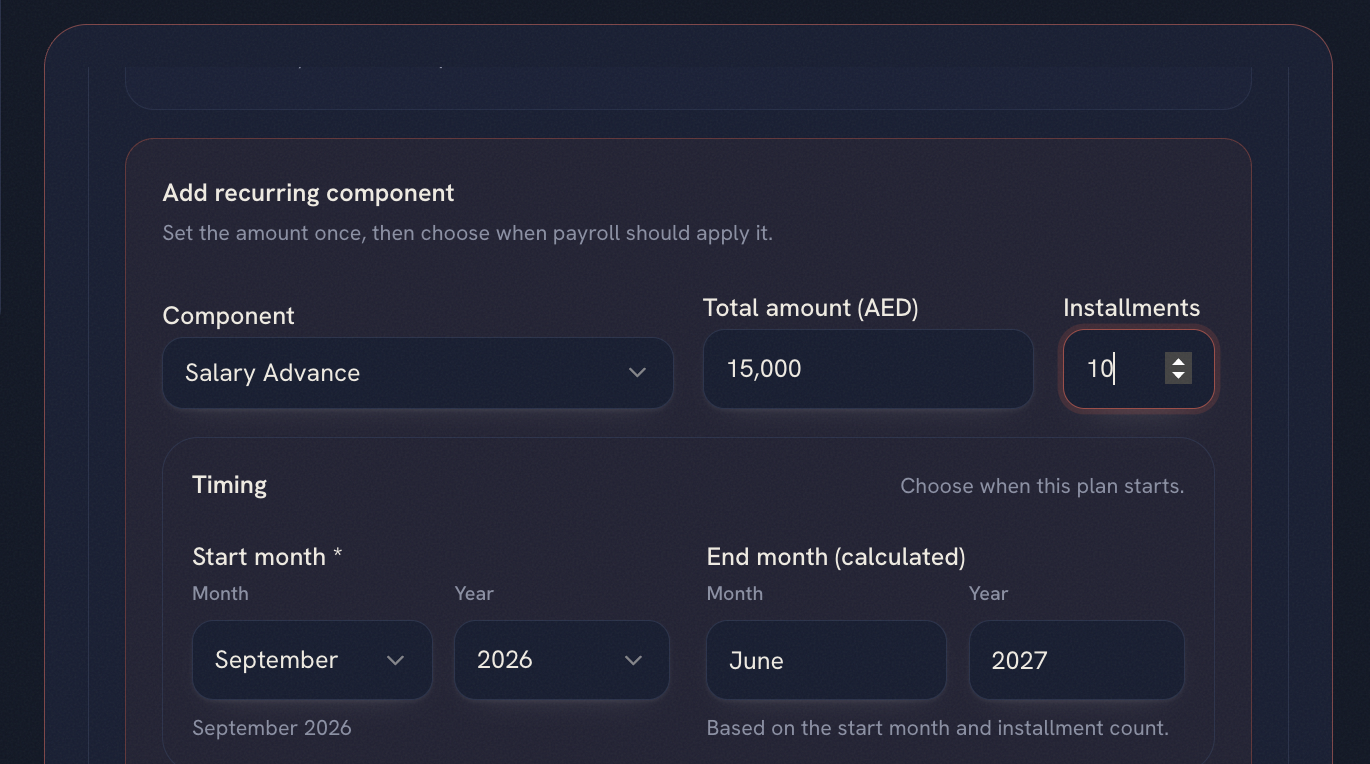
RECURRING ALLOWANCES
A new allowance should not become a project or a support ticket. Authorised users configure recurring payroll inputs themselves.
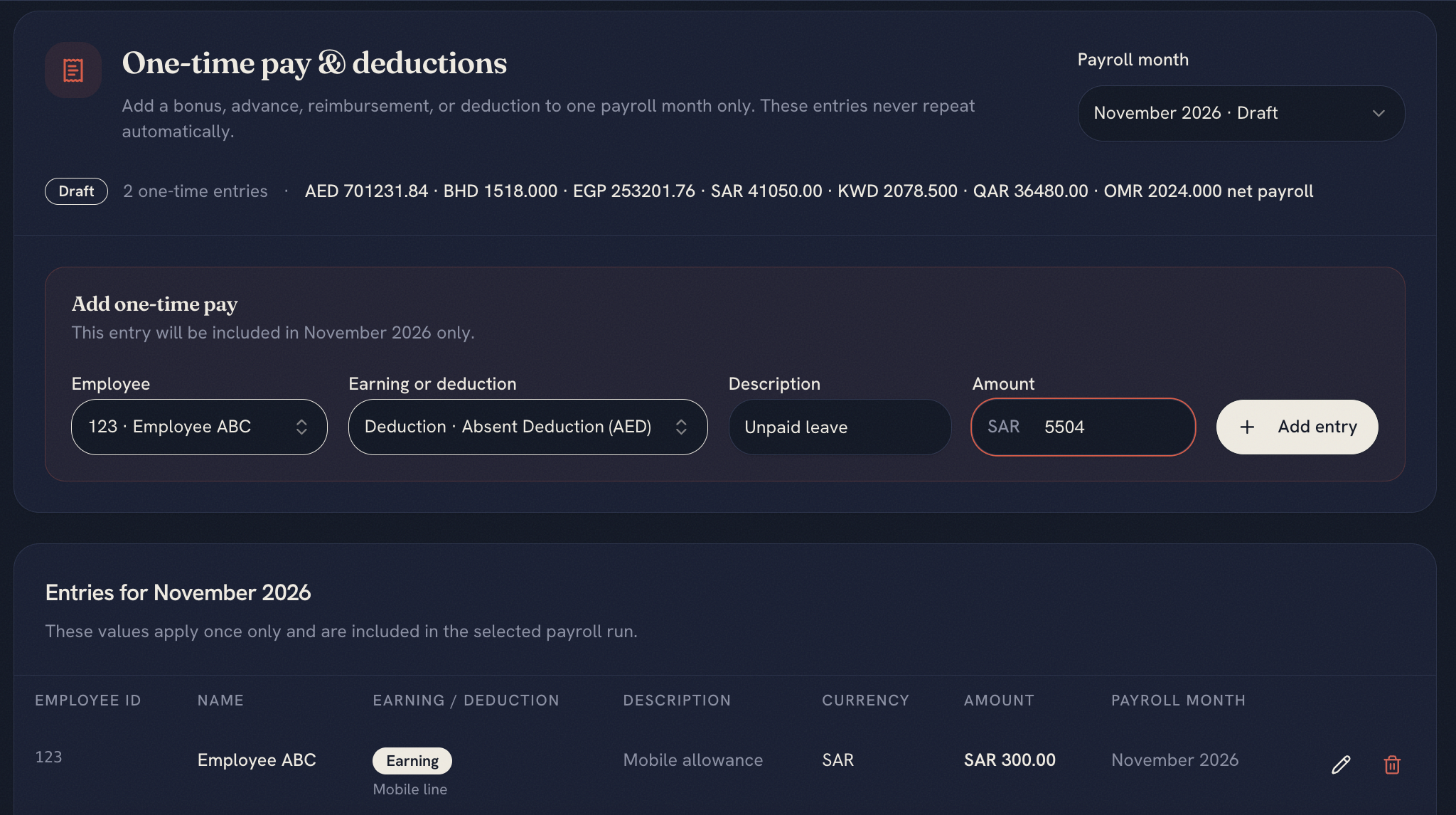
ONE-TIME DEDUCTIONS
Add a deduction for one employee or one payroll cycle without changing the employee's permanent setup.
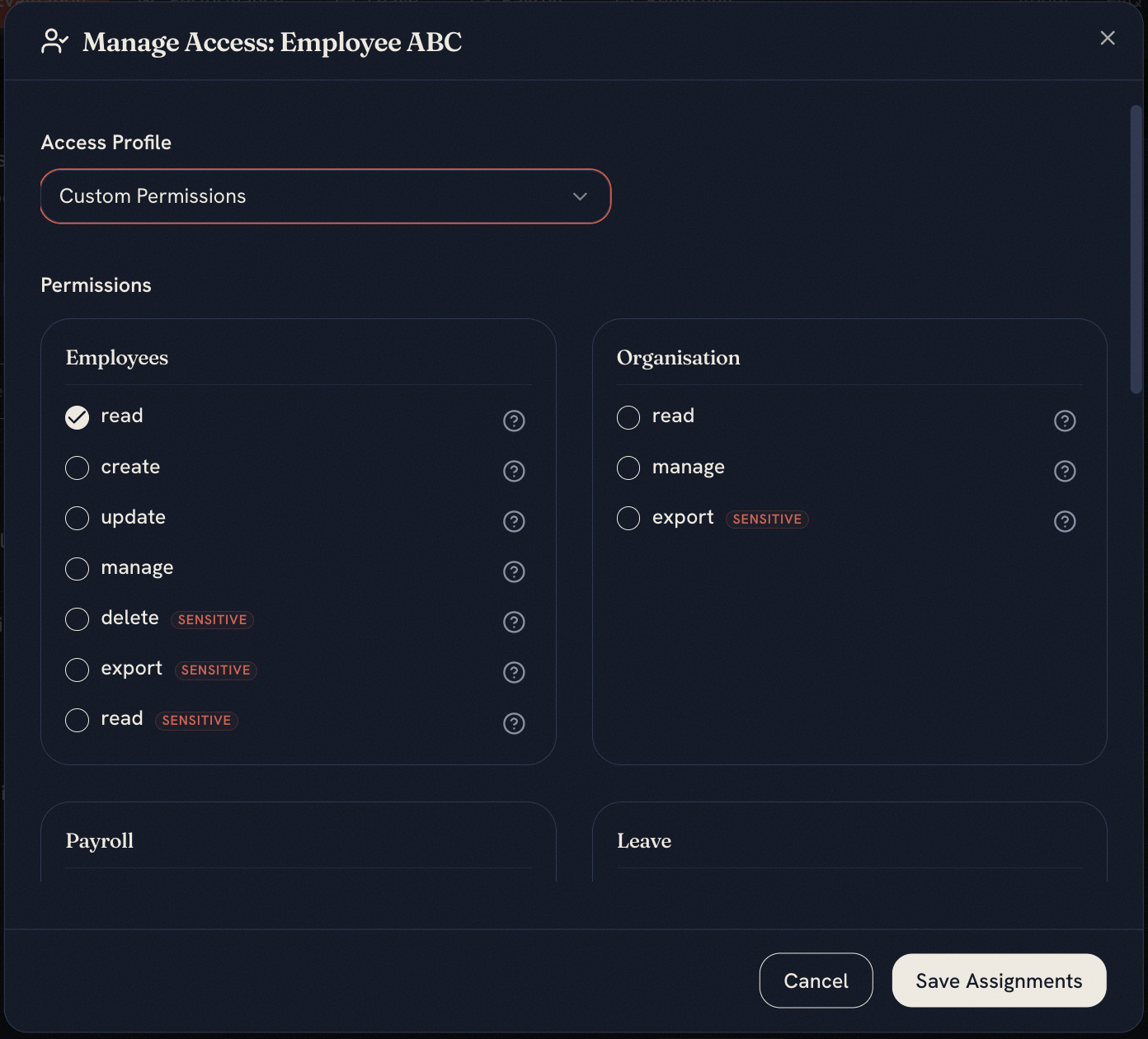
CONTROLLED ACCESS
Control who can view salaries, edit employee records, approve leave and run payroll. Profiles can be scoped to specific countries, branches or departments.
STATUTORY CALCULATIONS
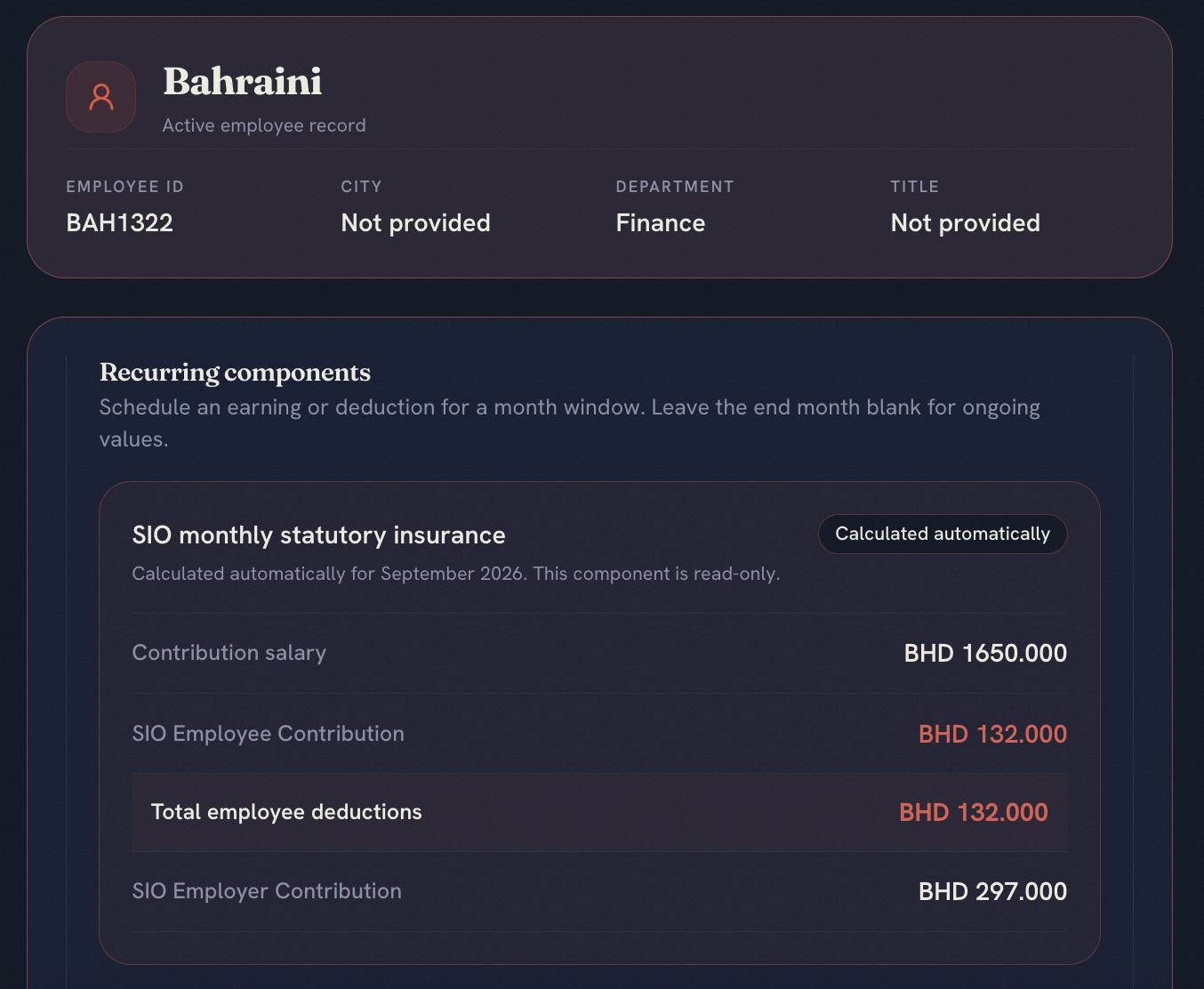
lvlst applies the relevant social-insurance and tax calculations for each country, with the breakdown visible before payroll is finalised.
Review employee and employer contributions, taxable amounts and statutory deductions before finalising payroll.
SELF-SERVICE CONFIGURATION
Everyday payroll configuration should not need a ticket, quote or release cycle.
A new field, a new tab, a new deduction rule, or a change to an existing setup — this is what each route asks of you.
TODAY
Every modification goes back to the vendor.
WITH LVLST
Authorised users make the change themselves.
Keep payroll data, controls and country-specific calculations in one connected People Suite.